

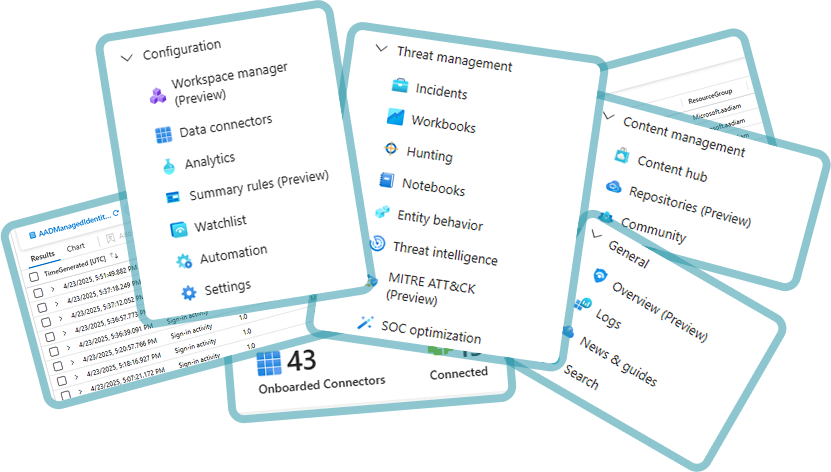
Sentinel is powerful, but keeping it aligned with your business goals and changing threat landscape can be overwhelming and challenging
We simplify this challenge
Common Configuration Areas
We tailor every engagement to your setup, maturity, and goals. Here’s what we commonly support:

Data Connectors & Ingestion
- Microsoft-native sources (Defender, Azure AD, Office 365)
- Third-party sources (firewalls, identity providers, proxies)
- Data filtering and transformation for efficiency
- Ingestion cost control and retention planning

Analytics & Detection Rules
- Review and tuning of default current rule set
- Development or customization of rules based on real-world threats
- Mapping to MITRE ATT&CK or NIST frameworks
- Walk through content hub to see if any new installations are needed

Automation & Playbooks
- Setup of Logic Apps for alert tuning
- Automation rules for triage, enrichment and response flows
- Review current automation rules and Logic Apps to identify any misconfigurations or incorrect setups, such as closing the wrong incidents.Integration with ticketing systems or notification tools

Workspace Configuration & Content hub
- Review Log Analytics workspace settings to ensure proper configuration
- Explore existing solutions in the Content Hub.
- Install high-value solutions for enhanced functionality.
Are you willing to improve?
Whether you’re just connecting your first data sources or trying to optimze the full capacity of Azure products, we work with you to optimize and streamline your setup.
Start Optimizing Now


Common Client Issues
What we can provide
“We’re overwhelmed by alerts – and don’t trust any of them.”
Clean, relevant alerts your team can act on
“We’ve got data coming in, but no visibility into what matters.”
A Sentinel setup aligned to real use cases and business priorities
“We want to automate, but don’t know where to start.”
Configured automation and playbooks to save time
“Our current config is too noisy, too expensive, and too confusing.”
Cost-efficient data ingestion and optimized retention